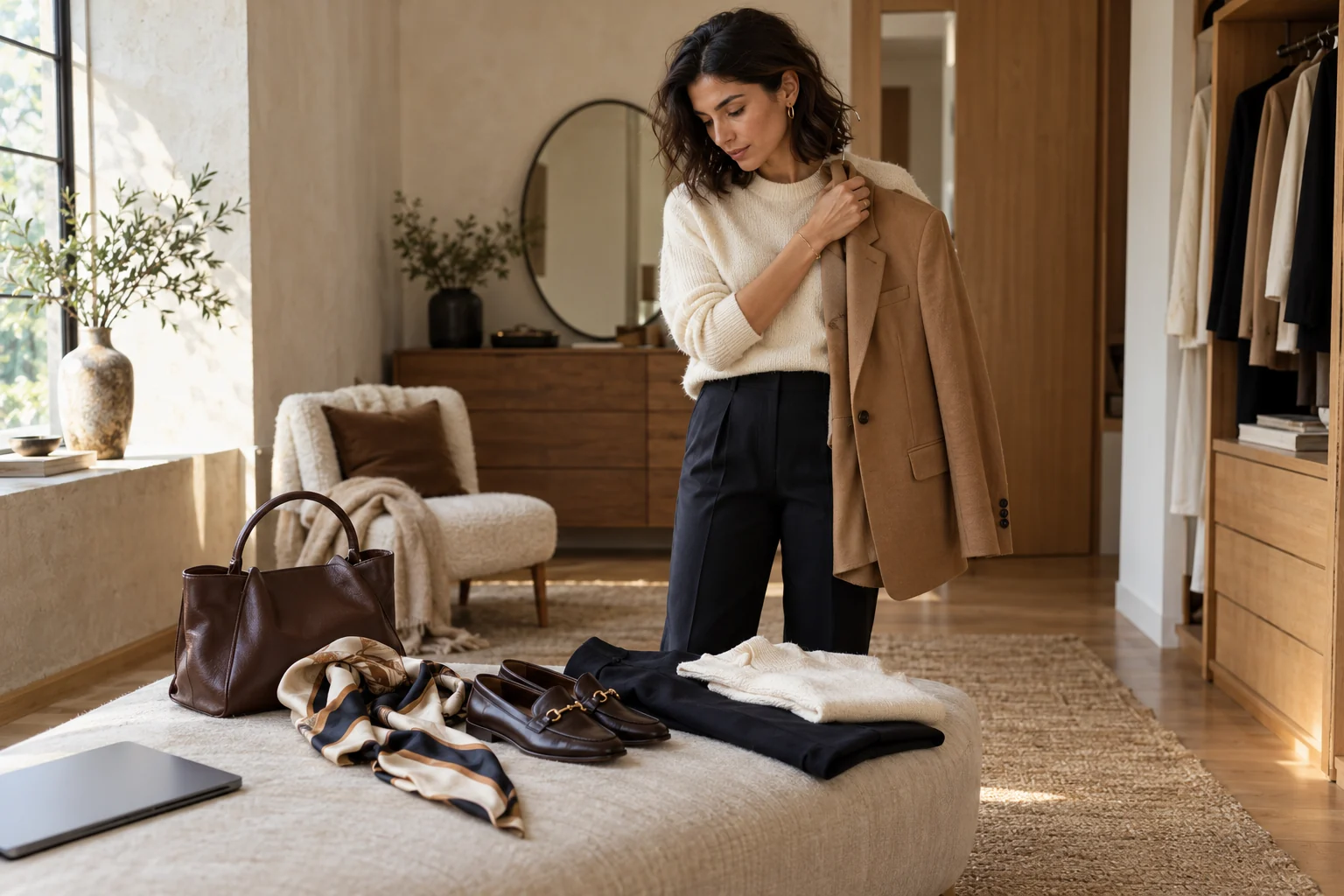
She likes the jacket. She’s checked the fabric and found her size. Your product page now offers six more jackets, when what she wants is a way to wear this one.
Improving fashion PDP conversion means helping with that next decision. Show the jacket as part of a look, let her change the pieces around it, and keep the path to purchase clear.
Part One looked at the product page’s habit of sending shoppers back into browsing. This is the fix: give the page a way to help her finish what she started. It’s a practical companion to our guide to AI styling for fashion retailers.
Keep the product she came for in view
Good photography, clear sizing, delivery details and a fast page all matter. Styling doesn’t excuse a missing size chart or a slow add-to-bag button. It answers a different question: “What would I wear this with?”
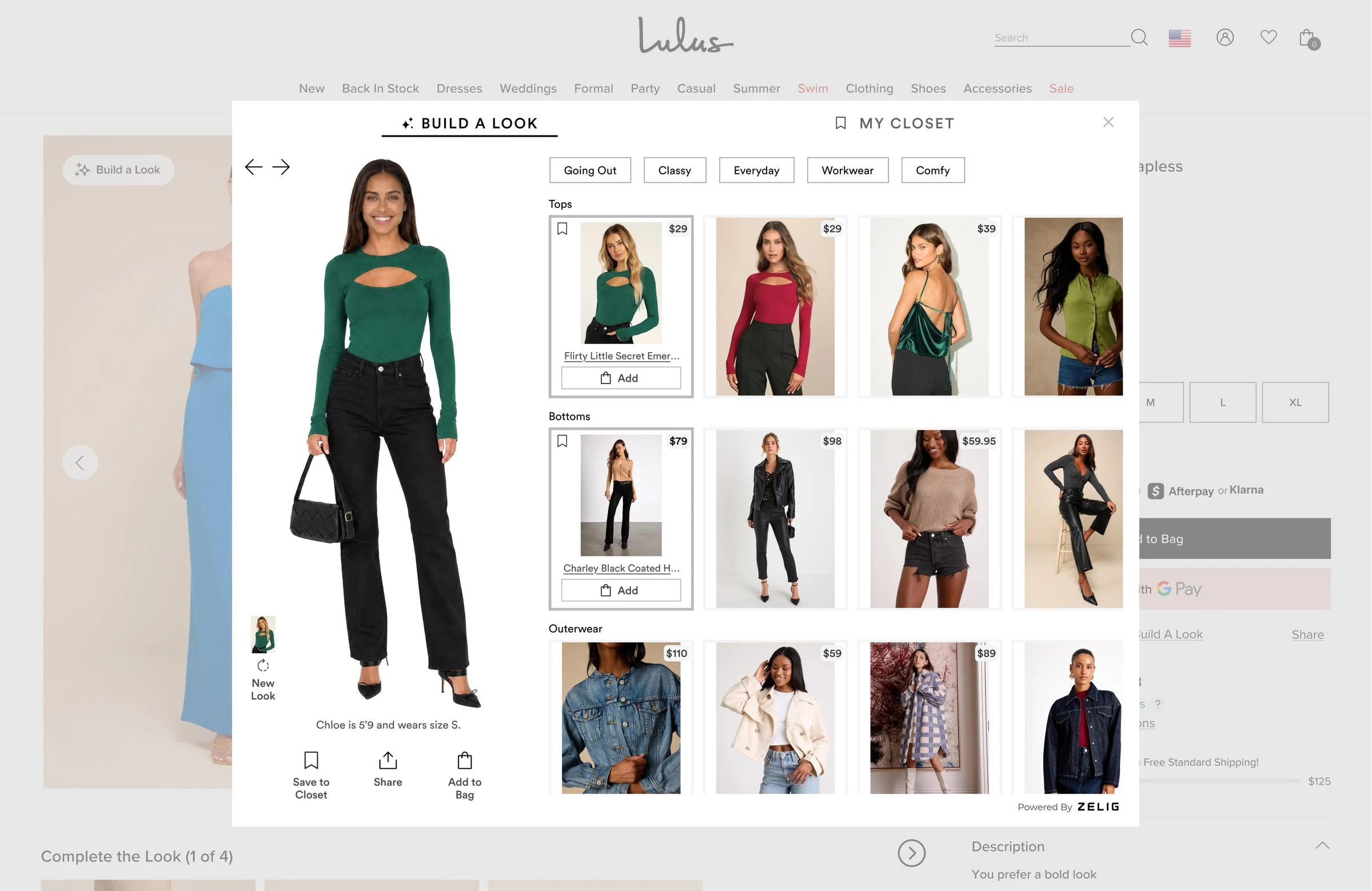
Picture a product page that shows the jacket with trousers, a top and shoes from the live catalog. The shopper likes the shape but wants a less formal shoe. She swaps it, sees the revised look, and keeps the jacket she came for.
She should be able to inspect the other pieces, check their prices and choose the sizes she needs. If she only wants the jacket, buying it should be just as easy as before.
Give alternatives and complete looks different jobs
Don’t remove every recommendation row. Sometimes the jacket really is wrong, and the shopper needs another cut, color or price. Keep that route available.
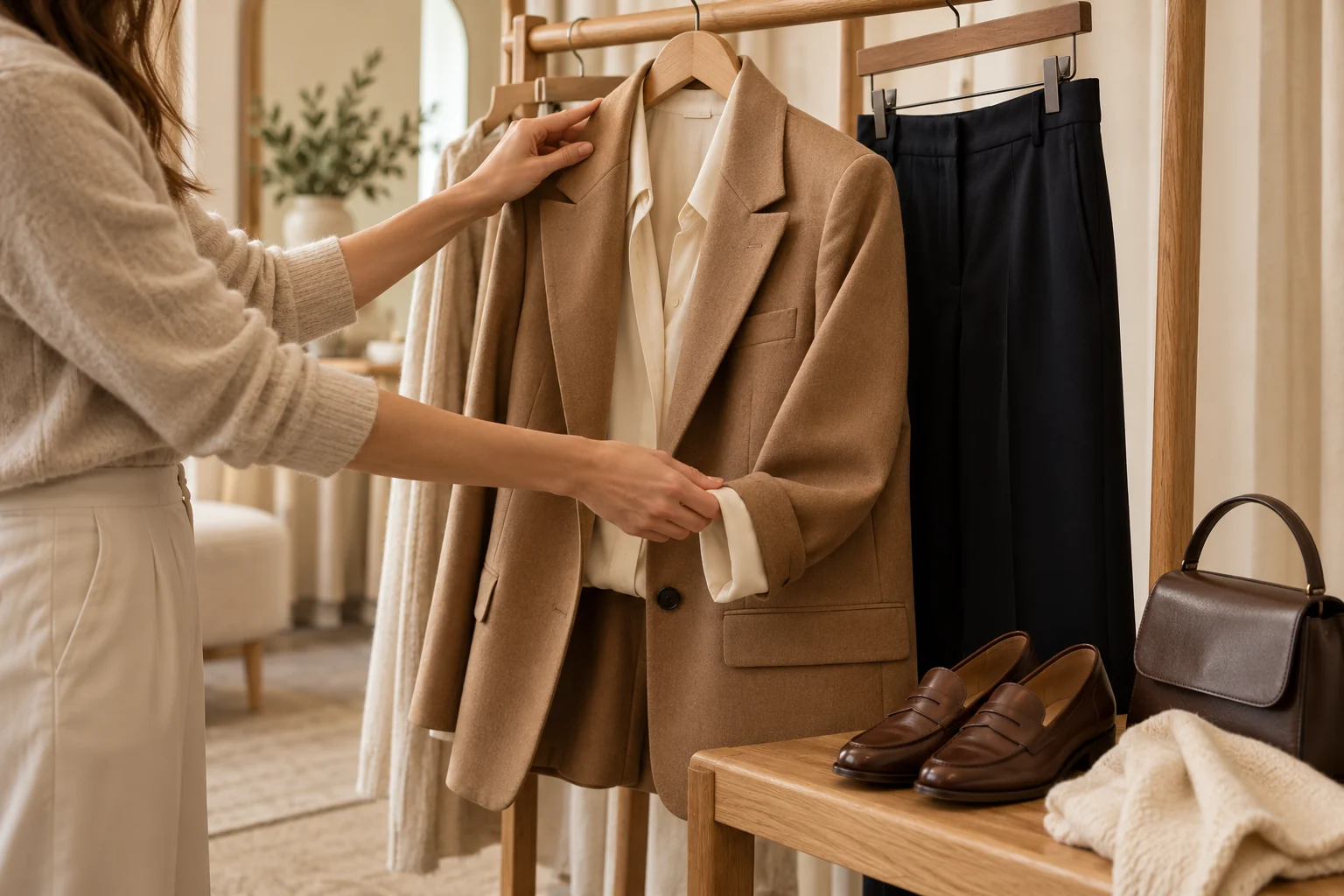
Baymard’s usability research distinguishes between alternatives to the item being viewed and other products that go with it. Those suggestions serve different needs and should be presented clearly.
Label them accordingly. “Similar jackets” helps her reconsider the piece. “Style this jacket” helps her do something with it. An unlabeled carousel asks her to work out which job you meant.
The opportunity is to bring a useful styling choice onto the page, where she can act on it. A campaign photograph can inspire the look; a shoppable experience has to account for the pieces and sizes she can actually buy.
Build the look from what’s available
A look stops being helpful when half of it is sold out. Connect the styling experience to current product and stock data, and make changes in availability visible before the shopper commits.
- Keep the starting piece recognizable. A swap should update the outfit around it, rather than quietly replace the item the shopper chose.
- Make each piece clear. Show which garment is being offered, its price and the options the shopper can buy. Let her inspect a product without losing the look.
- Let her change her mind. She may want flats instead of heels, or already own a similar bag. An outfit should be a starting point she can adjust.
- Give new products a route in. A styling system that uses product attributes can consider pieces without a long purchase history. Check the quality of those looks before putting them in front of shoppers.
The outfit recommendation engine is doing useful work when the result feels like something she can wear, with items she can buy.
Make the phone experience easy to finish
Put the styling entry point near the product information and buying controls, then test the whole task on a phone. Opening the look, changing a piece and returning to the product should feel like parts of the same visit.
Check whether she can see which item is selected, understand the price, choose a size and close the styling view without losing her place. Keep controls usable with a keyboard too, and make focus easy to see.
Ask for the performance budget before launch. Load the experience so the product page and its buying controls stay usable. Test with the slower devices and connections your shoppers actually use, and define what happens if the styling service doesn’t load. The original product page still needs to work.
Keep fit and visualization distinct. Seeing a look on a model helps someone judge its style. Confirming how a size fits her body needs its own information and tools. One shouldn’t be sold as proof of the other.
Test fashion PDP conversion across assigned traffic
Before launch, choose the products and traffic eligible for the test. Randomly assign shoppers to the existing experience or the version with styling, and keep that assignment consistent. Hold other planned changes steady where you can.
Judge the result across those assigned groups. People who choose to open a styling tool may already be more interested in buying; comparing them with everyone who ignored it doesn’t tell you the tool’s effect.
Use completed purchases as the main read, with order value and items per order to explain the basket. Check margin after returns once the return window has had time to mature. Watch page speed, errors and checkout completion as well.
Agree the sample and test period with your analyst before you start. Returns take longer to read than add-to-bag events. A promising early result is a reason to keep measuring, not a finished profit claim.
You don’t need every metric to rise for the change to be useful. You need to know whether the extra business it creates covers what it costs, without making another part of the experience worse.
Start with a page worth fixing
Choose a category where shoppers often buy pieces together and where your catalog can support good looks. Review the starting outfits with merchandising, test the swaps, and make sure stock changes don’t leave the experience stranded.
Build a Look on Lulus is a concrete example of Zelig styling inside a retailer’s shopping experience. Use it to judge the interaction, then define the test that would matter on your own pages.
Your shopper has already found something she likes. Give her a useful way to finish the look.
See how a shoppable look could work around the products your customers already want.